Tutorials
Guided, runnable notebooks covering the library end to end. Each page is rendered from a Jupyter
notebook committed under docs/examples/; open it in Colab or download it from the badges at the
top of every tutorial.
The three tiers build on each other. Beginner gets a pretrained model running and explains the conventions everything else assumes. Intermediate puts your own data and your own training loop in the middle. Advanced takes the library to the shapes real projects ship in: survey tiles too large for one forward pass, driving sweeps, and whole rooms read by several models at once.
Beginner
Start here if you have not run a point cloud model before. Everything in this tier runs from committed sample data, with no dataset download.
-
Quickstart: classify a point cloud
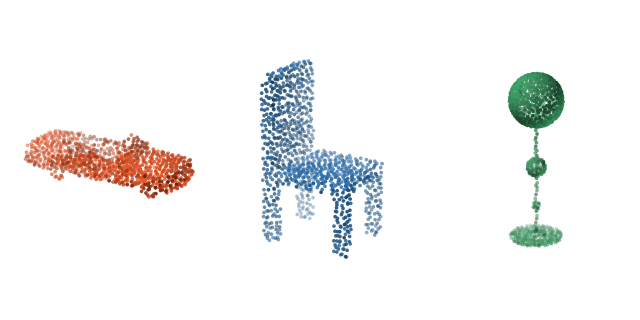
Load a pretrained model, build a transform pipeline, and classify an object in a few lines.
-
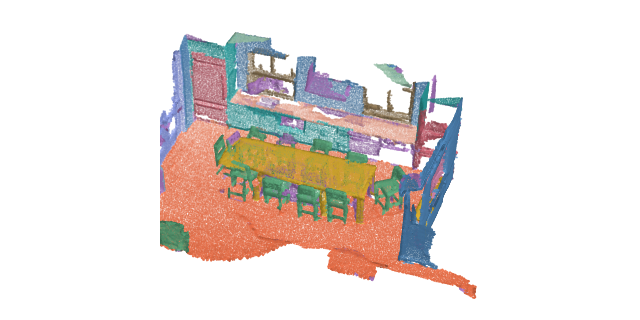
Run per-point semantic segmentation on a full indoor scene with a tiling inferer.
-
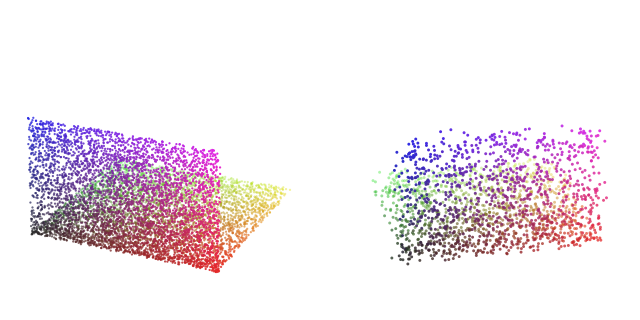
Compose dict transforms for sampling, normalization, and augmentation, and inspect each step.
Intermediate
Your data, your training loop, and the representation a trained model leaves behind.
-
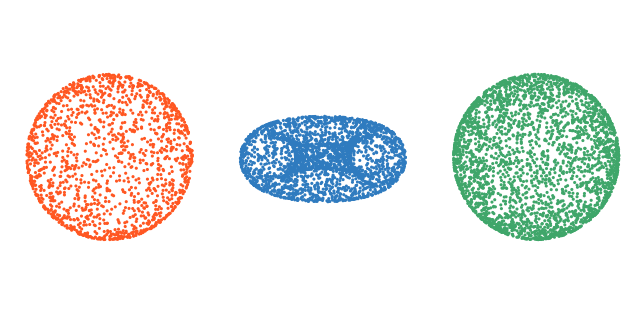
Wrap your own point cloud files in a dataset with disk caching and packed-batch collation.
-
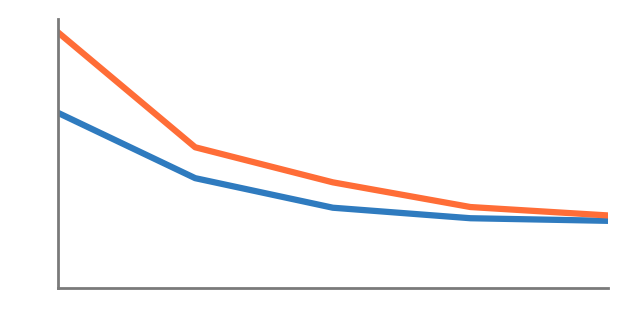
Train a classification model from scratch: dataloaders, optimizer, and the evaluation loop.
-
Features and similarity search
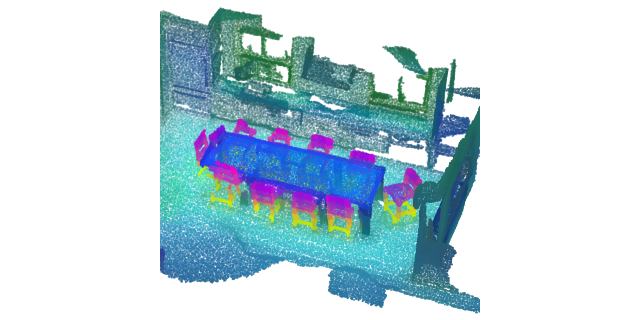
Read a frozen encoder's features, query one point, and retrieve whole shapes by descriptor.
Advanced
Production-shaped problems: clouds too large for one forward pass, oriented boxes in traffic, and several models combined into a single answer.
-
Detect objects in driving LiDAR
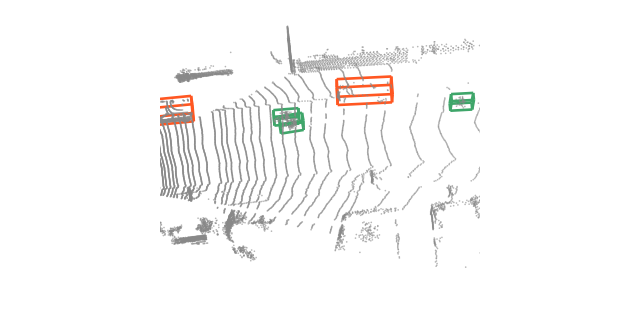
Turn one sweep into oriented 3D boxes: voxel encoding, decoding, non-maximum suppression.